
IPTV Lions for Smart TV & Firestick
Choose the Plan That Fits.
IPTV Lions offers plans for 1, 2 or 3 simultaneous screens. Compare durations from 1 to 24 months, request a 24-hour trial and check playback on your Smart TV, Firestick or other compatible device. Ask our WhatsApp team about your setup before ordering.
 TiviMate







Check the Movies and Series You Want to Watch
Use your trial to search for the movies and series you want, open several titles and check playback on your usual device. Catalogue entries, audio, subtitles and picture quality can vary; ask support about any title that matters to you before subscribing.













Check Your Sports Channels During the Trial.
Tell support which sports, channels and events you want to watch, then check the current selection during your trial. Availability and picture quality vary by stream; coverage of every event and uninterrupted playback are not guaranteed.












Compare IPTV Lions Plans by Duration and Screens
Compare subscription duration and screen allowance before ordering. Check the current channel list and available picture quality during your trial; playback depends on the stream, device and connection.
Standard plans start at $15 for 1 month. See all 1, 3, 6, 12 and 24 month options →
- 10,000+ International Live Channels
- 25,000+ VOD Movies & Series
- SD / HD / FHD / 4K / UHD Quality
- Test Playback on Your Device
- 10,000+ International Live Channels
- 25,000+ VOD Movies & Series
- SD / HD / FHD / 4K / UHD Quality
- Test Playback on Your Device
- 10,000+ International Live Channels
- 25,000+ VOD Movies & Series
- SD / HD / FHD / 4K / UHD Quality
- Test Playback on Your Device
Multi-Screen Plans: Stream on Multiple Devices at Once
Choose a plan with the number of simultaneous connections you need. Each active device uses a connection and shares your household bandwidth. Test the devices you expect to use before subscribing.
- All features of single screen
- Stream on 2 devices simultaneously
- Independent playlists per screen
- All features of single screen
- Stream on 3 devices simultaneously
- Best value for families
Need More Screens?
The listed plans cover up to 3 simultaneous devices. If you need a different setup, tell support how many devices you want to use and confirm availability before placing an order.
Contact Support
Check Your Player and Device Before Ordering
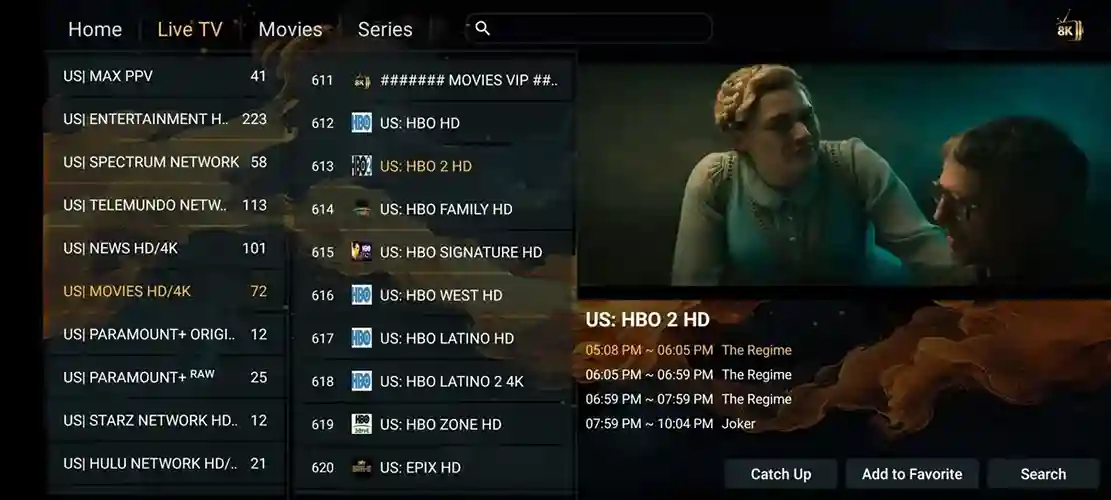
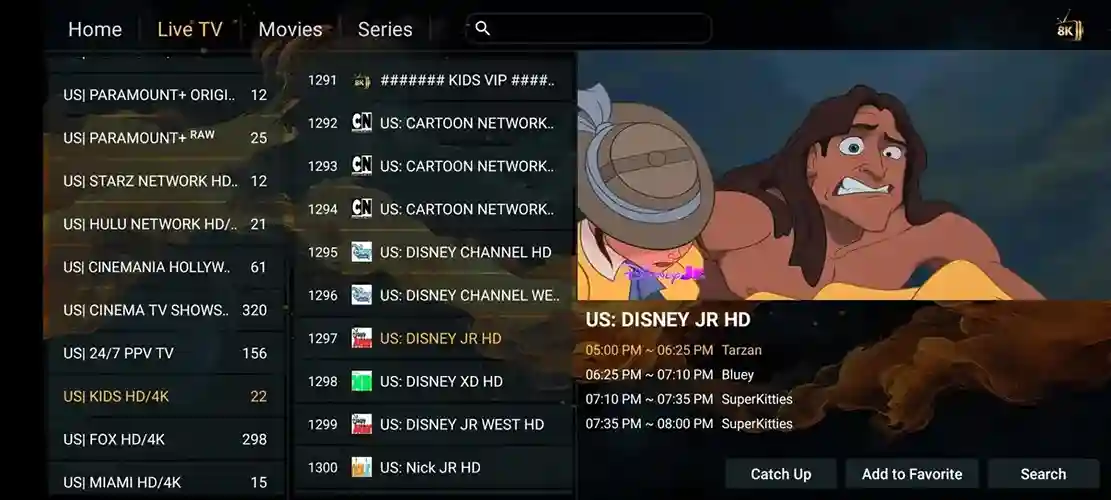
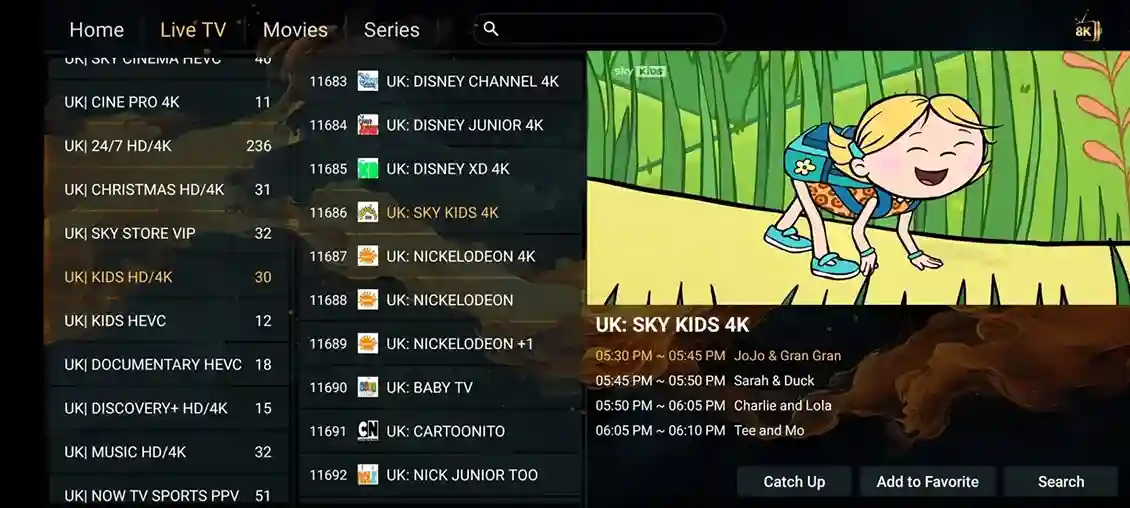
Your player controls much of the viewing experience. Check whether it accepts your account format and whether its EPG, subtitle, category and catch-up options work on your device. Screens and available features vary by app and version.
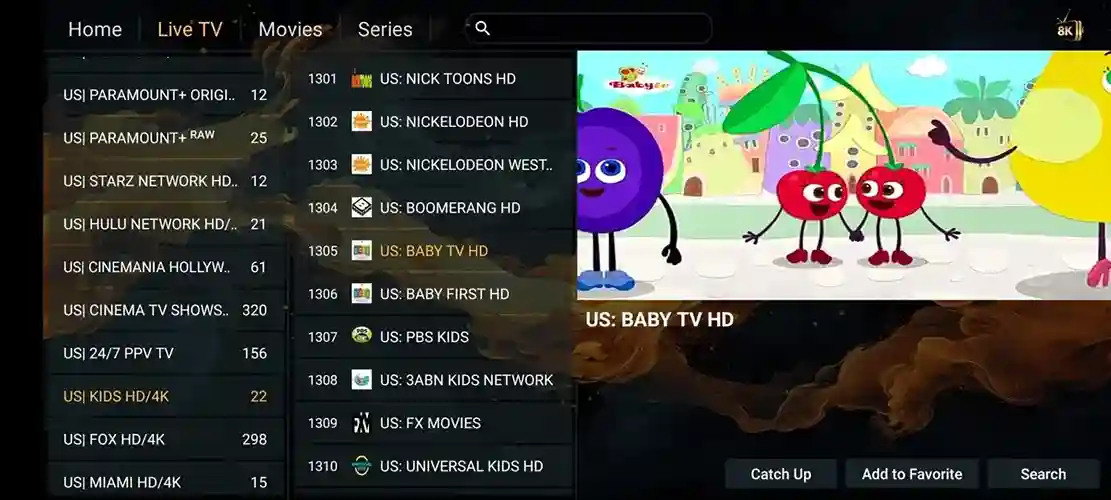
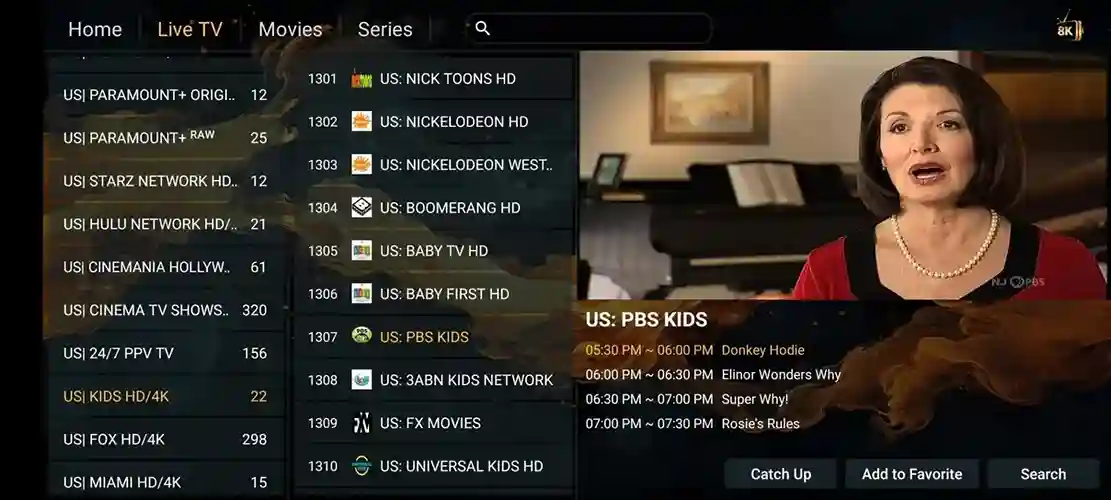
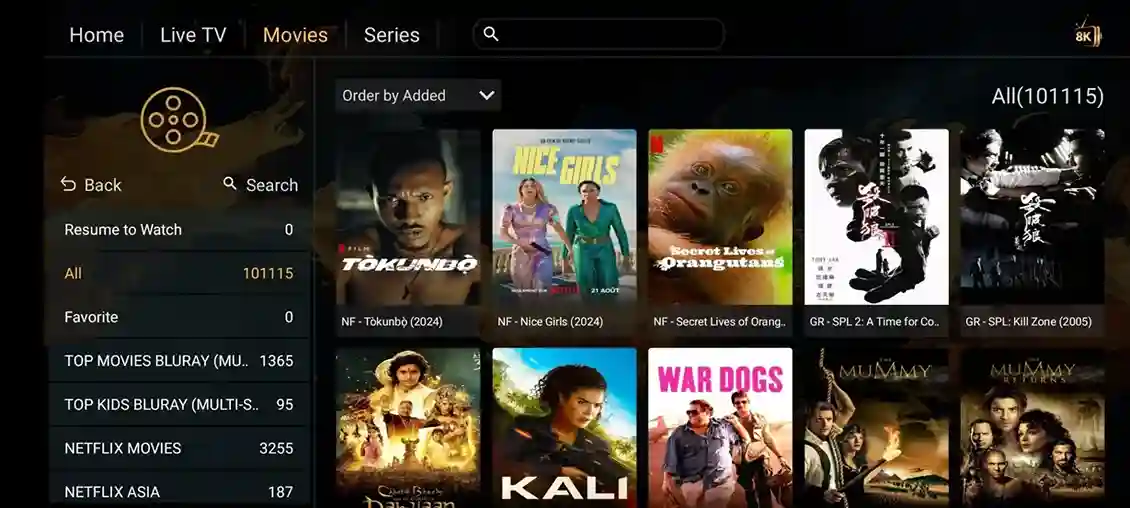
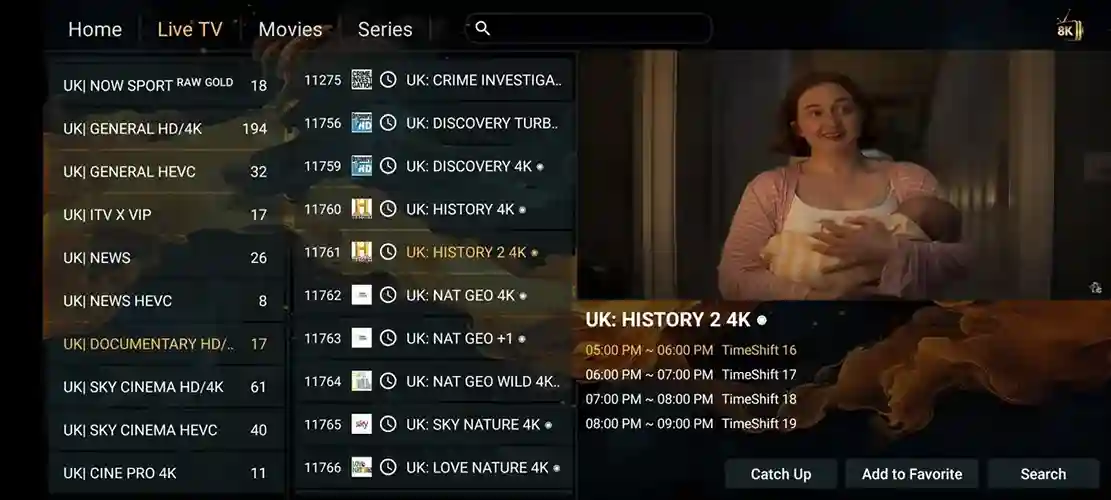
Plan Details to Check Before Ordering
Confirm the service and player requirements that apply to your device before choosing a subscription.
| What to check | Where to confirm it |
|---|---|
| Duration and price | Use the current pricing page and confirm your chosen plan with support. |
| Simultaneous screens | Choose the listed allowance for 1, 2 or 3 devices. |
| Player requirements | Check device compatibility and any separate app licence fee before installing. |
| Channels and playback | Test the specific channels and titles you want during a 24-hour trial. |
| Delivery and support | Confirm delivery instructions and ask setup questions through the published contact links. |
Set Up IPTV Lions in Three Steps
Start with your device model and a compatible player. After your account is confirmed, enter the supplied details and test live channels, VOD and the guide. The setup section provides the next steps, and WhatsApp support can help with questions.
Check Your Player App
Grab a compatible IPTV player on your device. We recommend Hot Player or IPTV Smarters Prowhere compatible with your device. Check the official app listing for availability, licence fees and supported features before installing.
Enter Your IPTV Lions Credentials
After order confirmation, check the account details and delivery instructions provided by support. Enter the supplied account format in your compatible player. Confirm the device, app and any player licence fee before ordering.
Test Your Streaming Setup
Open several channels and titles, then check the guide and playback during your normal viewing hours. If something does not work, note your device model, player version and affected channel before contacting support.
Choose the Right Plan for Your Devices
Use a compatible player on your Smart TV, Firestick, phone or other supported device. Compatibility and picture quality vary by model, app, stream and internet connection. Test your normal setup during the trial.
Check the Service on Your Own Device
A trial lets you check the channels, picture quality and playback you need before choosing a plan.
Check your channels
Open the live channels and VOD titles you actually want to watch. Availability can vary; confirm your requirements before ordering.
Test your normal setup
Use your own device, app and home connection. Check playback during the hours you normally watch.
Confirm your plan
Compare subscription duration and simultaneous screens. Ask WhatsApp support about setup and any player licence fees.
Features to Check During Your IPTV Lions Trial
Check the features that matter to you on your own device. EPG, catch-up and picture quality depend on the selected channel and player; confirm availability during your trial.
Check Your Electronic Program Guide
Open the guide for the channels you normally watch and check programme times and time-zone settings. EPG coverage varies by channel; a working channel does not always have a complete guide. Check this during your trial.
Check Catch-Up Availability
Catch-up is available only where the selected channel and player support it. Look for the catch-up indicator and try opening a past programme during the trial. Confirm the channels and replay period you need before subscribing.
Playback and Connection Checks
Playback stability depends on the selected stream, network conditions, device and app. Try Ethernet, check other household traffic and test during the hours you normally watch. Contact support if a problem persists.
Choose Picture Quality That Fits Your Setup
Select a stream your device and connection can handle. HD, Full HD and 4K availability depends on the source and your player. Check several streams on your normal network; choosing a 4K setting does not turn an HD source into 4K.
Fast Account Delivery
Check the delivery method and expected timing with support when you confirm your order. Keep your account details private and enter them only in the player you chose. Contact support if your details have not arrived within the confirmed period.
Ask for Device Setup Help
Contact IPTV Lions on WhatsApp or at the email shown on this website. For setup questions, include your device model, player name and version, and the step where you need help. Keep passwords and payment card details out of public messages.
Quick Features FAQ
What affects streaming stability?
No streaming setup can guarantee uninterrupted playback. Check your connection, selected channel and device during the trial, and contact support with the device model, app and affected channel if you need help.
Can I rewind and replay live broadcasts?
Catch-up depends on the channel and player. Test a past programme on the channels you want and confirm the available replay period before ordering.
Is a VPN required to use IPTV Lions?
A VPN is not a requirement or a guarantee of better playback. It can change speed and latency. Test your normal connection first and follow local rules and your network provider terms.
Your Questions Answered - IPTV Lions
Get straightforward answers to the most common questions about IPTV Lions. From device compatibility and 4K streaming to payment methods and live sports access, everything you need to know is right here.
Use the WhatsApp button or the contact page to send your question. Include your device, app and the issue you are seeing. Ask the team about current availability and expected response times; an immediate response is not guaranteed.
Choose your duration and screen allowance, then use the order button to contact IPTV Lions on WhatsApp. Confirm the plan, price, delivery instructions and player requirements before payment. After receiving your access details, follow the setup guide and test playback.
Compatibility depends on your device model, operating system, region and player. Tell support whether you use Samsung or LG Smart TV, Firestick, Android TV, Apple TV or a computer, and check the relevant setup guide before ordering.
Request a trial and check the current categories, channels and VOD titles in your player. Catalogue size and availability change; confirm the specific channels, languages and titles you need rather than relying on a headline total.
Use a stable connection and test the actual stream on your device. Around 15 to 20 Mbps for HD and 25 Mbps or faster for 4K are starting points, not guarantees. Required speed varies with stream bitrate, other household traffic, Wi-Fi and device performance. Use Ethernet where possible and check playback during the 24-hour trial.
A VPN is not a requirement or a guarantee of better playback. It can change speed and latency. Test your normal connection first and follow local rules and your network provider terms.
If you plan to use the service away from home, confirm your destination, device and connection requirements with support first. Availability can depend on the local network, device, player and applicable restrictions. Your simultaneous screen allowance still applies.
IPTV Lions Knowledge Base: Guides and Resources
Use the setup guides for your device, compare screen allowances on the pricing page and check common questions in the FAQ. Start with a trial if you still need to confirm compatibility or playback.
What exactly is IPTV Lions?
IPTV Lions provides subscription access through compatible IPTV players. This website explains the available plan durations, screen allowances, trial requests and setup support. Check your own device and required content before choosing a subscription.Learn how it works →
What does every IPTV Lions plan include?
Compare the current plan duration and simultaneous screen allowance on the pricing page. Test the channels, VOD, EPG and available picture quality before ordering. Ask support about any app licence fees or feature requirements.See all plans →
How do I choose an IPTV player for Android?
Check your Android model and operating system, then choose a player that supports the account format supplied by IPTV Lions. Review its official listing for compatibility, licence fees and features. Test EPG and playback before purchasing a player licence.See installation guide →
How to watch IPTV Lions with VLC Player on PC?
On VLC for Windows or macOS, open Media, then Open Network Stream, and enter your M3U URL. Adjust network caching if needed, but no caching value guarantees uninterrupted playback.Read setup guide →
What should I check before using IPTV on Apple TV?
Check the official app listing for your Apple TV model and operating system. Confirm supported account formats, licence fees and features before installing. Ask support about your chosen player and test it with your account before ordering a longer plan.Apple TV guide →
How to fix IPTV buffering issues?
Buffering can have several causes, including the selected stream, Wi-Fi congestion, household traffic, device performance and connection issues. Test with Ethernet where possible. Contact WhatsApp support with your device, app, affected channel and the time of the issue.Troubleshooting guide →
Set up and test your device
Use these guides to check your device, playback and programme guide before choosing a subscription.